1k99 App: Casino & Sports in Your Pocket
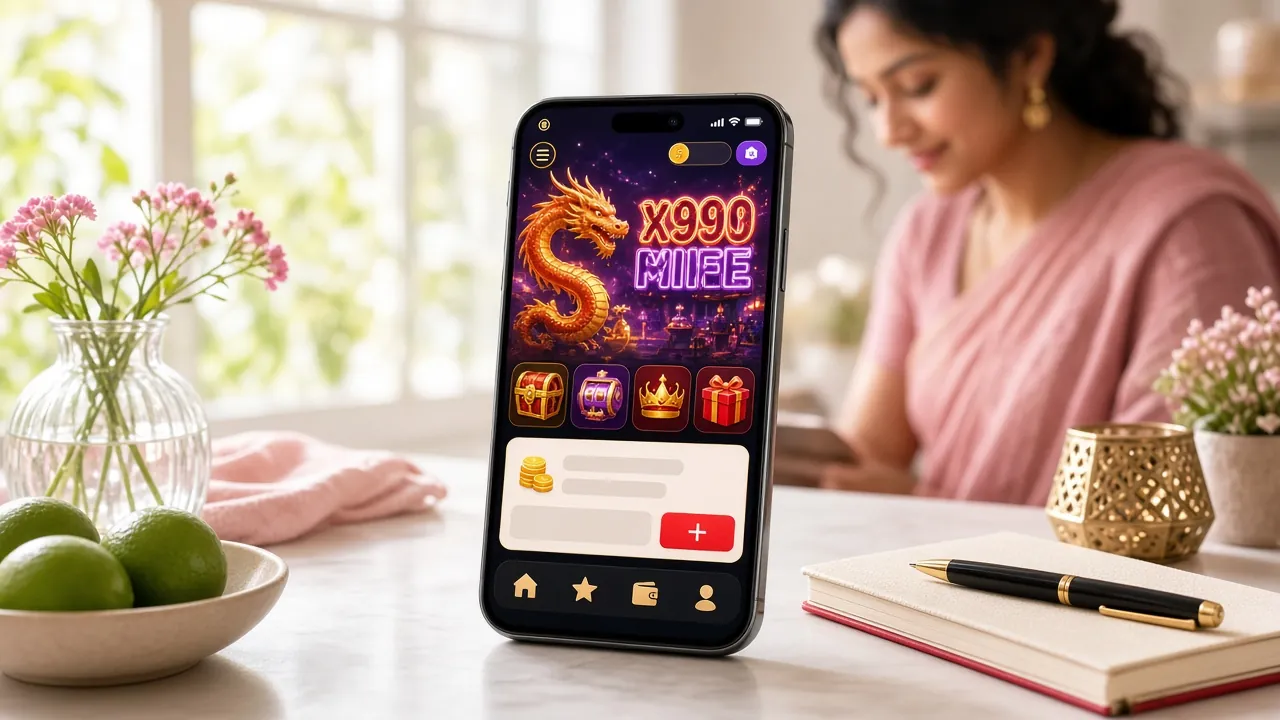
The 1k99 App brings your full casino account to Android — slots, live tables, crash games and cricket betting. Install the APK free, deposit from ৳500 via bKash or Nagad, and start playing in under five minutes. No Google Play needed.
- 18+ Only
- SSL Encrypted
- 24/7 Support
- Android 8.0+
- Free to Install
18+ · Play Responsibly
Android APK: Five Steps to Playing
-
Allow installs from unknown sources
Open your phone's Settings → Apps (or Security on older Android). Find your browser or file manager and turn on Install unknown apps. This setting only affects apps you choose to install yourself — it does not weaken your device's security in general. You can turn it off again after installing the 1k99 App.
-
Download the 1k99 APK file
Tap Download APK Free on this page. Your browser will save 1k99.apk (28 MB) to your Downloads folder. The download usually finishes in under 30 seconds on a standard 4G connection. If the file does not appear, check that your mobile storage has at least 50 MB free and that your browser did not block the download.
-
Open the APK and tap Install
Pull down your notification shade and tap the completed download, or open your file manager and navigate to Downloads → 1k99.apk. Android will show a permissions screen. Review the list, then tap Install. The installation takes around 15 seconds. Do not tap Open until the installer confirms success.
-
Launch the app and log in
Tap Open or find the 1k99 icon on your home screen. If you already have a 1k99 account, enter your username and password on the login page. Your account balance, bonuses and transaction history carry over from the browser — nothing is lost when you switch to the app.
-
Deposit and start playing
Go to Wallet → Deposit, choose bKash, Nagad, Rocket, Upay or Bank Transfer and enter at least ৳500. The credit lands in your account within five minutes. New accounts also receive the first-deposit welcome bonus automatically — there is nothing extra to click. You can now browse all games or jump straight to your favourite slot or cricket match.
Using an iPhone or iPad?
The 1k99 App is not on the App Store, but the mobile website works smoothly in Safari. Add it to your home screen for a near-native feel:
- Open https://1k99.ws in Safari.
- Tap the Share icon (square with arrow) at the bottom of the screen.
- Scroll down and tap Add to Home Screen.
- Name it 1k99 and tap Add in the top-right corner.
- The 1k99 icon now sits on your home screen like an app. Tap it to open full-screen.
Version Details & What Your Phone Needs
| Field | Details |
|---|---|
| App Name | 1k99 |
| Version | 3.0.15 |
| File Name | 1k99.apk |
| File Size | 28 MB |
| Minimum Android | Android 8.0 (Oreo) |
| Last Updated | 3 November 2026 |
| Price | Free |
| Languages | English, Bangla |
| Internet Required | Yes (Wi-Fi or mobile data) |
Recommended device specs
The 1k99 App runs on any Android phone released from 2017 onwards. For the smoothest live casino and crash-game experience, these are the specs worth having:
- Android 10 or above
- At least 2 GB RAM (4 GB for live dealer games)
- 100 MB free internal storage after install
- Stable 4G, LTE or Wi-Fi connection
- Screen resolution 720p or higher
- Google Chrome or built-in browser for QR download
Rooted devices may experience login issues. Contact [email protected] if you run into problems.
Match Night & Every Quiet Moment: What's Inside
Everything on the 1k99 desktop site is in the app — the same wallet, the same bonuses, and the same live odds. Here is what you will find across the main tabs.


Slots — Over 3,400 Titles
Golden Land, Fortune Gems, Mines, Color Game and hundreds more from JDB, PG Soft, FA Chai, CQ9 and Playtech. Minimum bet from ৳1. The app loads games faster than a mobile browser because assets are cached locally after the first launch.
Live Casino, Any Time of Day
Real dealers streamed in HD. Baccarat, blackjack, roulette and Teen Patti tables run continuously. The app keeps the stream stable even on a 4G connection by automatically adjusting video quality. Place bets from ৳2 per round.
Crash Games: Limbo, Crash Bonus
Watch the multiplier climb and cash out before it crashes. Crash Bonus from Playtech and Limbo by FA Chai sit on the Crash tab. Rounds last under 30 seconds, making them ideal for commuting or short breaks. Bet from ৳1 up to ৳20,000.
Cricket & Football Betting
Follow BPL, IPL, T20 World Cup and Bangladesh Premier League matches with in-play odds that update every few seconds. The sports tab supports pre-match and live 1X2 markets. Payouts land in your wallet within 25 minutes of the event settling.
bKash & Nagad Built-in Wallet
Deposit and withdraw without leaving the app. Go to Wallet → Deposit, pick your method — bKash, Nagad, Rocket, Upay or Bank Transfer — and enter the amount. Deposits clear in about 5 minutes. Minimum deposit is ৳500.
Bonuses & Promotions Tab
Track your active bonus, wagering progress and daily cashback (up to 1.4%) in one screen. The welcome bonus, reload offers and referral rewards are all claimed inside the Bonus & VIP section of the app — no need to switch to a browser.
Safe to Install: Permissions & What They Do
The 1k99 App requests only the permissions it needs to function. No access to your contacts, camera or microphone is required.
Internet Access
Required to connect to game servers, load live casino streams and process deposits via bKash and Nagad. The app uses HTTPS for all data in transit. Your financial details never travel over an unencrypted connection, whether you are on Wi-Fi or mobile data.
Storage Read/Write
Used to cache game assets and save the APK update file when a new version is released. The app writes only to its own private folder — it cannot access your photos, documents or other apps' data. You can verify this in Settings → Apps → 1k99 → Permissions.
Push Notifications
Android 13+ asks for permission before sending any notification. 1k99 uses this only for deposit confirmations, withdrawal updates and match-start reminders. You can disable individual notification categories in your phone's settings at any time without affecting gameplay.
SSL Encryption & Account Safety
All communication between the app and 1k99 servers uses 256-bit SSL encryption — the same standard banks use. Enable the in-app PIN lock or fingerprint login from Settings → Security to add a second layer of protection. Never share your password or OTP with anyone, including support staff.
App vs. Browser: A Practical Comparison
Both options give you a complete 1k99 account. The table below shows where each one does better so you can decide which to use day-to-day.
| Feature | 1k99 App (APK) | Mobile Browser | Desktop Browser |
|---|---|---|---|
| Game loading speed | Faster after first launch | Depends on cache | Fast on good Wi-Fi |
| Push notifications | Deposit & match alerts | Not available | Not available |
| Works offline (lobby) | Lobby loads cached | Requires data | Requires data |
| bKash / Nagad deposit | In-app direct | Via mobile site | Opens mobile app |
| Fingerprint / PIN login | Supported | Not supported | Not supported |
| Live casino stream quality | Adaptive HD | Good on 4G+ | Best on broadband |
| Auto-update | In-app prompt | Always latest | Always latest |
| Storage required | 28 MB install | No install | No install |
| iOS compatible | Android only | Safari / Chrome | All browsers |
= Available = Partial = Not available
Get the 1k99 App Now
Ready to install on your Android phone
File: 1k99.apk · Size: 28 MB · Version: 3.0.15 · Android: 8.0+ · Free
Scanned clean. You may need to enable Install unknown apps in Settings before tapping the file.
Scan to download
Installation Blocked? Diagnose It Fast
Most install failures have a straightforward fix. Find your error message in the table below.
| Problem | Likely Cause | How to Fix |
|---|---|---|
| "Install blocked" message | Unknown sources not enabled for your browser or file manager | Go to Settings → Apps → [your browser] → Install unknown apps and toggle it on. Retry the install. You can disable this after installation is complete. |
| APK download stops mid-way | Unstable mobile data or low storage space | Connect to Wi-Fi or move to an area with a stronger signal. Check that you have at least 50 MB free in your internal storage. Delete unused apps if needed, then tap Download again. |
| "App not installed" after tapping Install | Corrupted download or an older version of the app is already installed | Uninstall any previous 1k99 version first (Settings → Apps → 1k99 → Uninstall). Then re-download the APK from this page to get a fresh file and install again. |
| App crashes on launch | Android version below 8.0, or RAM under 1 GB | Check Settings → About Phone → Android version. If it is below 8.0, the app will not run. Use the mobile website in your browser instead. If your Android is 8.0+, try a force-stop and relaunch. |
| Login fails even with correct password | Cached session conflict or account needs KYC verification | Clear the app's cache: Settings → Apps → 1k99 → Storage → Clear Cache. Log in again. If the error persists, your account may be pending identity verification — check your email or contact [email protected]. |
Still stuck? The 1k99 support team is available 24/7 via Live Chat inside the app or by emailing [email protected].
- Games in App
- 3,400+
- APK Size
- 28 MB
- Deposit Time
- ~5 min
- Support
- 24/7
Download the 1k99 App for Android
-
Instant access, any time
All slots, live tables, crash games and cricket markets load in seconds — no browser tabs, no waiting. Works on Bangladesh's 4G networks.
-
bKash & Nagad deposits from ৳500
Deposit and withdraw without leaving the app. Funds arrive in your account in about 5 minutes; withdrawals clear in around 25 minutes.
-
Lightweight: only 28 MB
Runs smoothly on Android 8.0 and above. Version 3.0.15 — updated 3 November 2026. Free to install, no subscription.
-
Live support inside the app
24/7 live chat is built into the app. Raise a query mid-session without switching to a browser or searching for a contact page.
Scan to download
Android APK